
📱 Discord Guidelines
Overview
- This guide covers important guidelines you may need when working with Discord.
- If you're looking for instructions on how to connect a Discord account, please check this guide.
- We provide Pip Sender Discord Bot, which you can use to receive trading signal messages.
Add Discord bot to your server
- Click the bot invite link: Invite link
- Select the server you want to add the bot to
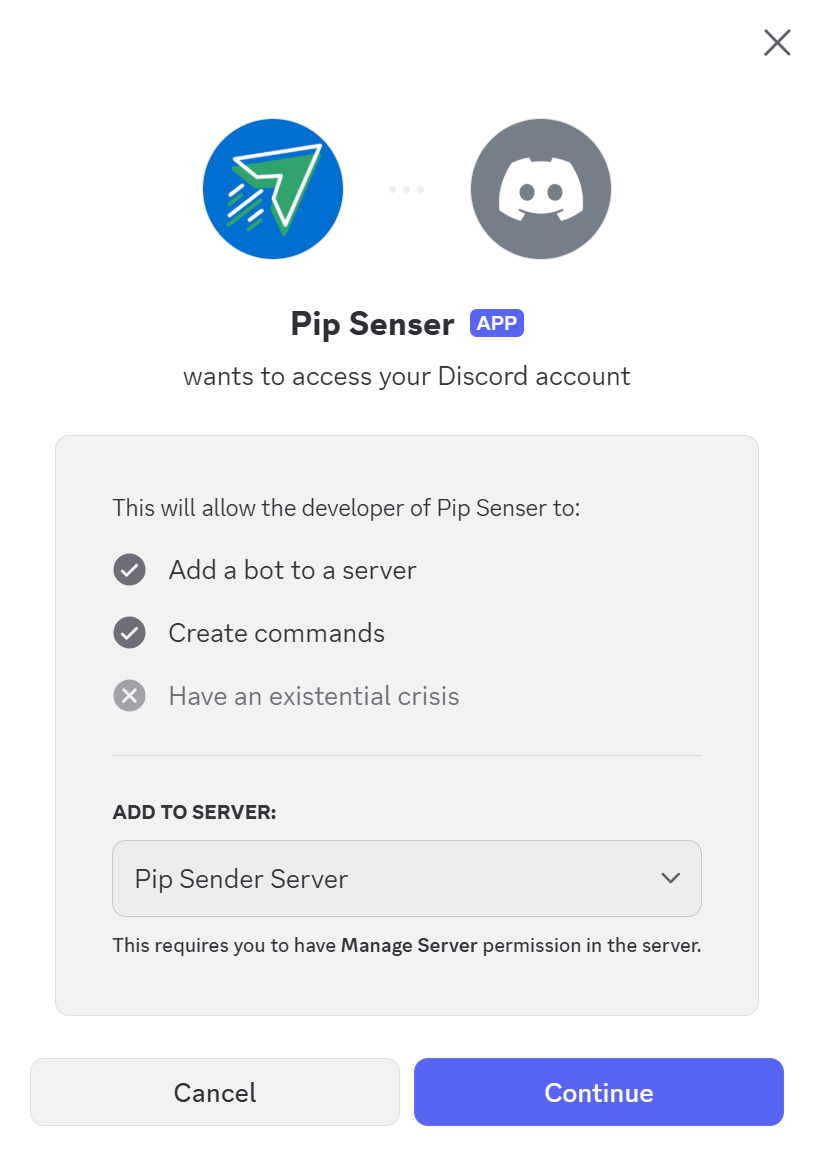
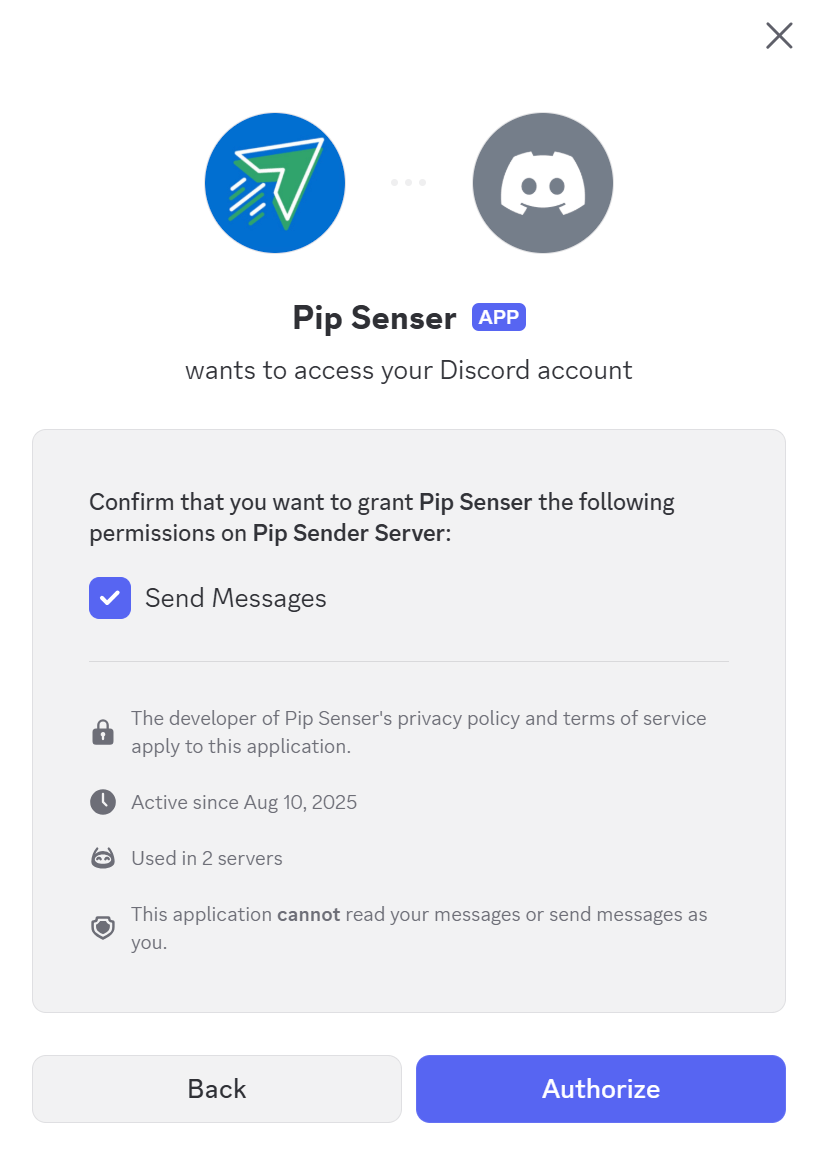
In the next screen, you'll see that it asks for the permission to send messages into your channels so it can deliver alert messages.
- Grant the required permission (enabled by default)
- Click Authorize to complete
Get Discord Channel ID
You’ll need your Discord Channel ID when setting up a Discord account to receive trading signals. Here’s how to find it:
Step 1: Enable Developer Mode:
-
Click the gear icon (User Settings)
-
Go to Advanced
-
Turn on Developer Mode

Step 2: Copy channel Id:
-
Right-click the channel name in the sidebar
-
Click Copy Channel ID